Files can help, but product, quantity, destination, and packaging are enough to start the request.
Attachment guidance
Prepare one clean attachment pack instead of reopening the whole brief.
Use this page only when artwork, references, packaging examples, documentation notes, or shipment-facing files clarify an RFQ that is being prepared or already submitted. If the product, quantity, destination, and packaging frame are already clear, the RFQ can move without extra files.
Primary useOptional file support
Best fitChanged or missing support files
Main outputsOne note, current files, clear lane
Send only the changed files and one short note so the review continues from the same commercial frame.
Optional support page
Use this only when a file, reference, or short note changes the production review. If nothing changes product, packaging, documentation, destination, or timing, keep the RFQ moving without another file task.
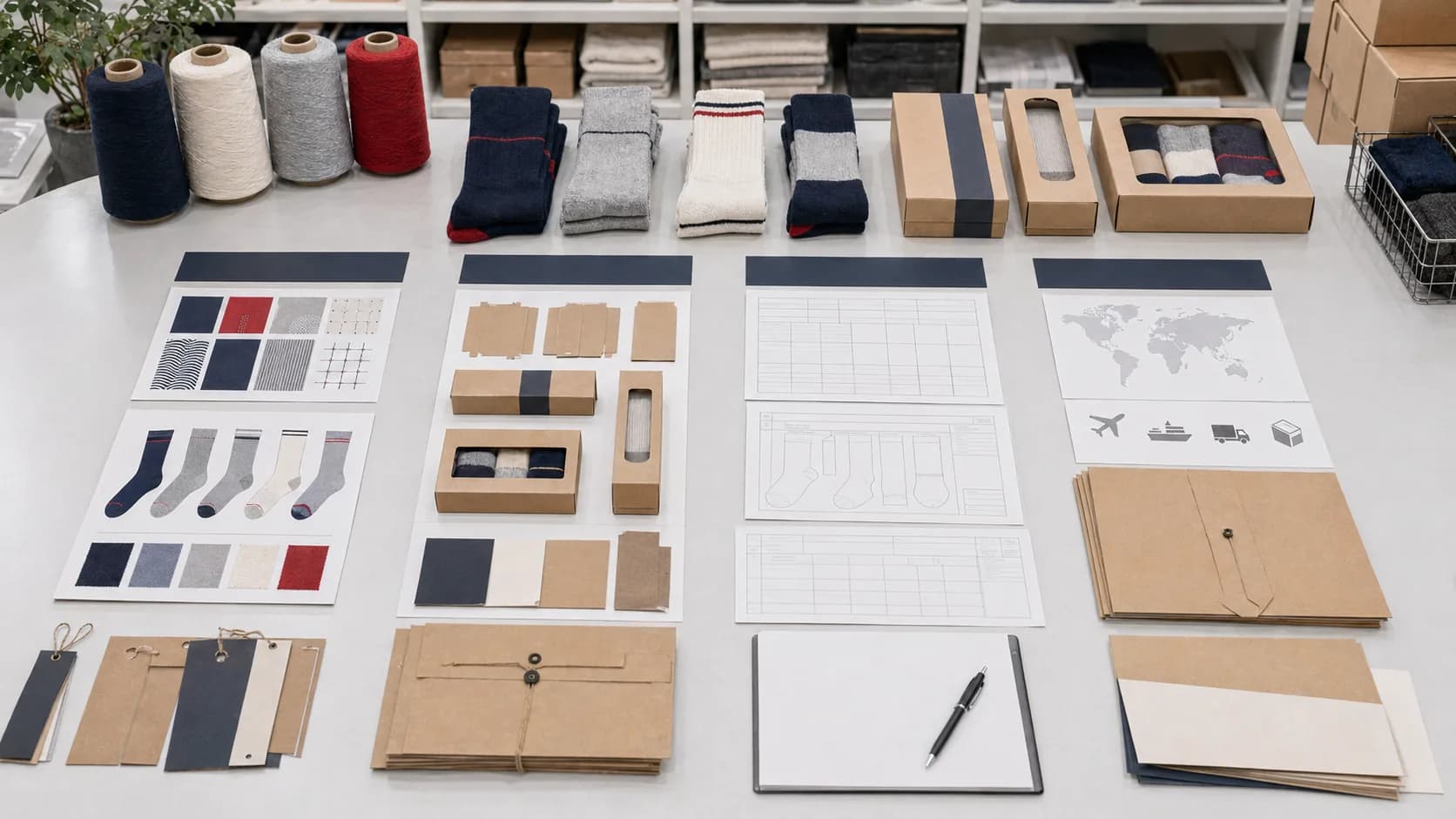
One grouped attachment pack beats five scattered file emails.
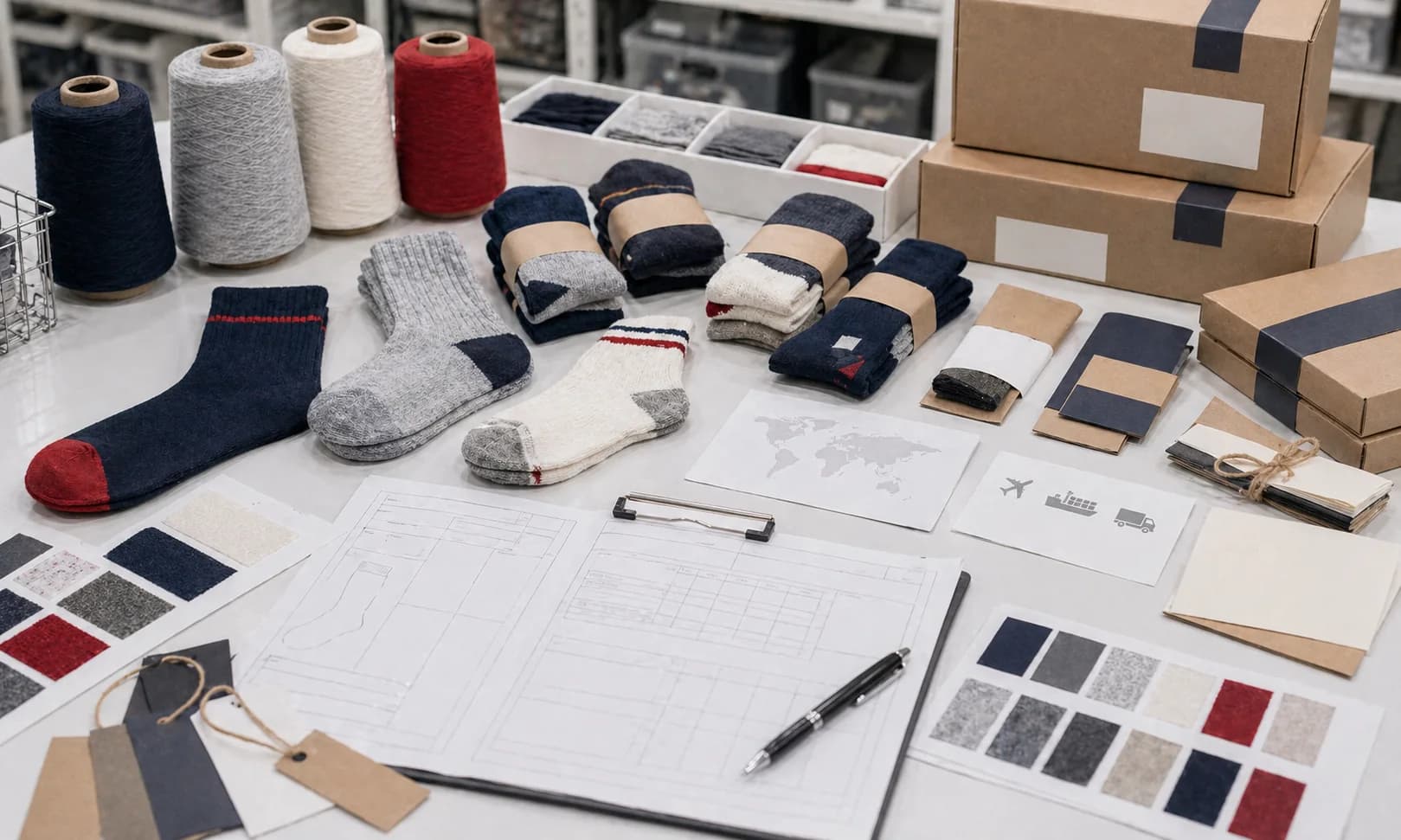
Keep packaging, documentation, and reference files attached to the same product path.
A clean attachment pack should support the existing brief, not force the production team to sort through old assets, mixed refs, and unrelated pack-out ideas.
If files are needed, use one small pack with one short summary note.
The goal is to help the next production reply find the right file, understand why it matters, and keep the project inside the same commercial direction that was already submitted.
- Skip extra files when the RFQ already explains the product, quantity band, destination, packaging, and timing clearly.
- Group only the files that support the same product, quantity band, and destination path already in the RFQ.
- State what each file is supposed to solve: artwork, color direction, packaging format, compliance request, or shipment context.
- Use simple naming so the next reply can understand the attachment pack without opening every file first.
- Keep duplicate logos, old concepts, and unrelated channel examples out of the same attachment pack.
- Add one short summary note explaining what changed since the RFQ instead of rewriting the entire brief.
What this page fixes
A cleaner attachment handoff reduces the most common file-review loop.
What a strong attachment pack looks like
One attachment group, one summary note, and one clear reason each file exists. The buyer should help the next reply move forward, not ask the factory to sort through mixed versions.
What can stay outside the file pack
Anything that does not change product direction, pack-out logic, documentation scope, or shipment assumptions can usually wait until the next focused review stage.
What causes the most file-review drag
Mixed logo versions, no file naming logic, and references with no note about what should actually carry into the sock program usually create another clarification loop.
Attachment lanes
Keep different file types in separate lanes so the next reply can route them correctly.
Artwork and reference files
Keep marks, placements, and reference links in one lane so proof direction does not get buried inside unrelated attachments.
- One preferred logo file set
- Placement note or annotated reference
- Only the product references that still matter
Packaging and commercial support files
Wraps, sleeves, carton ideas, barcode notes, and retail examples should stay together when they influence pack-out or launch readiness.
- Preferred wrap, sleeve, or box direction
- Retail-facing label or barcode notes
- Any shelf-ready or gifting references that should carry over
Documentation and shipment context
Importer, standards, carton, or destination files should stay separate from artwork so the next reply can route them correctly.
- Named documentation or standards request
- Destination or importer note
- Shipment or carton assumptions that changed after the RFQ
Example file packs
Use examples only when a file pack will clarify the buyer problem.
Private-label shelf-ready attachment pack
Use this when the RFQ is already in and the team still needs to add cleaner retail-facing artwork, packaging, and barcode support files.
- One preferred logo file plus one placement reference
- Front-of-pack wrap or sleeve reference
- Barcode or label-content note if retail carryover matters
Promotional run attachment pack
Use this when the product direction is clear but the team still needs to send simpler branded references, gift-kit pack-out examples, or revised timing notes.
- One logo mark and one campaign color note
- Simple wrap, insert, or kit-example reference
- Short note on deadline changes or destination pressure
Compliance-sensitive attachment pack
Use this when the core brief is already in but destination, importer, or document context still needs to be attached clearly.
- Named standards or importer request
- Destination or retailer context note
- Any file proving which product family the request applies to
Summary note templates
Send one short note that explains what changed and what should be used first.
What changed since the RFQ
Since the RFQ, we narrowed the preferred logo file, confirmed the packaging direction, and attached the retail-facing references that should carry into the first proof review.
What the factory should use first
Please use the attached primary logo file, packaging reference, and destination note as the current working set for the next production reply. Older concepts should be ignored unless we call them back in later.
What still stays flexible
Fine artwork scale and minor insert details can still tighten later. The core product family, quantity band, destination, and packaging path should remain the same as the original RFQ.
Naming rules
Simple naming is enough if it tells the next reply what is primary and why.
- Use one clear project stem such as `brand_program_type_date` across all files.
- Separate artwork, pack-out, document, and shipment files into distinct names instead of versioning everything as one mixed folder.
- Mark the preferred working file with `primary` or `current` so the next reply does not guess which file should lead.
- Avoid sending old concepts, duplicate exports, or screenshots with no note about why they still matter.
Sample filenames
Use names that tell the next reply what is current, what category it belongs to, and why it matters.
Private-label retail pack
brand_private-label_logo_primary.aibrand_private-label_packout_reference.pdfbrand_private-label_barcode_note.txt
Use when the next reply needs the preferred mark, retail packaging reference, and label or barcode context in one place.
Promotional campaign pack
brand_promo_logo_current.svgbrand_promo_color_direction.jpgbrand_promo_delivery_update.txt
Use when the team needs a cleaner campaign mark, color direction, and timing note without reopening the product brief.
Documentation request pack
brand_docs_importer_request.pdfbrand_docs_destination_note.txtbrand_docs_product-scope_reference.pdf
Use when the document request is tied to a destination, importer, retailer, or product-family scope.
Do not send
Leave out anything that makes the next reply sort, guess, or restart the brief.
Every historical logo export
Send the preferred working mark and one fallback only if needed. A full brand archive makes the next proof path slower.
Inspiration images with no carryover note
References only help when the note says what should carry into the sock, packaging, or color system.
Mixed compliance requests with no destination
Certification or audit files need market, importer, or retailer context before they can support a useful production reply.
Related routes
Open the next prep surface only if the attachment pack still points to a deeper blocker.
Artwork prep
Open artwork prep if the main problem is still logo files, placement notes, or proof-direction cleanup rather than the attachment pack itself.
Open artwork prepPackaging prep
Open packaging prep if the attachments are really about wraps, labels, cartons, or shelf-ready presentation decisions.
Open packaging prepDocumentation prep
Open documentation prep if the attachments are blocked by standards, audit context, or importer-facing proof requests.
Open documentation prepQuote prep
Open quote prep if the attachment pack is ready but quantity, timing, destination, or the commercial frame still needs tightening.
Open quote prepSend production RFQ
Use the RFQ when the product, quantity, destination, and packaging frame are ready. Files can be added only if they clarify the review.
Send production RFQReady to turn the file pack into a production request?